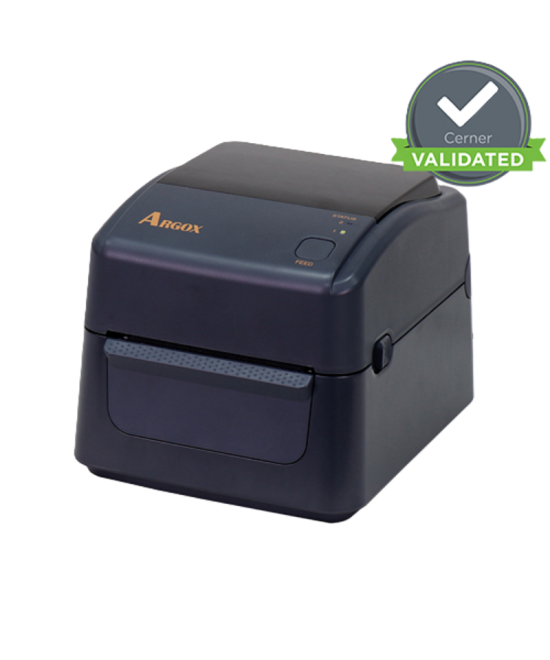



- New
- Out of Stock
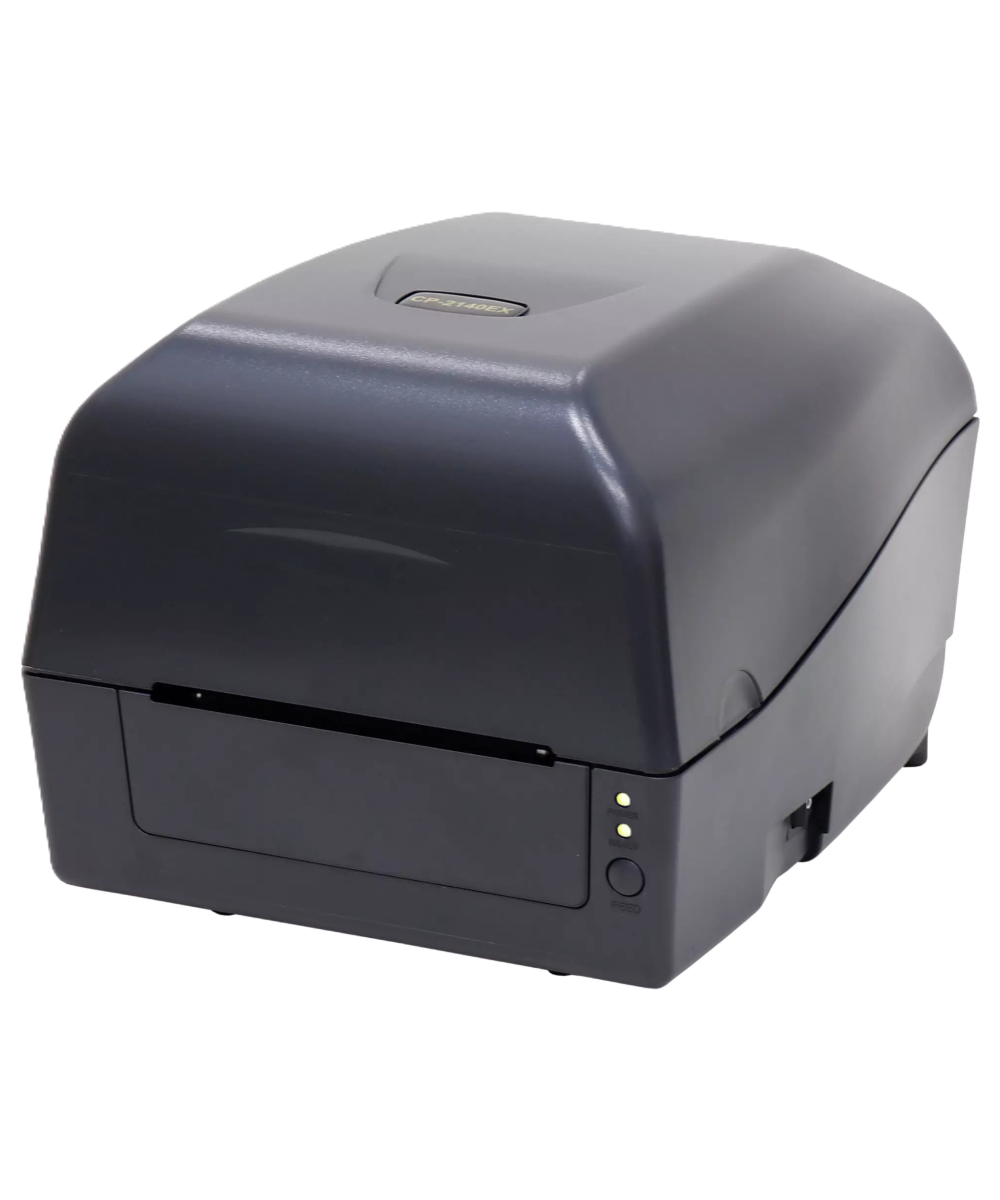
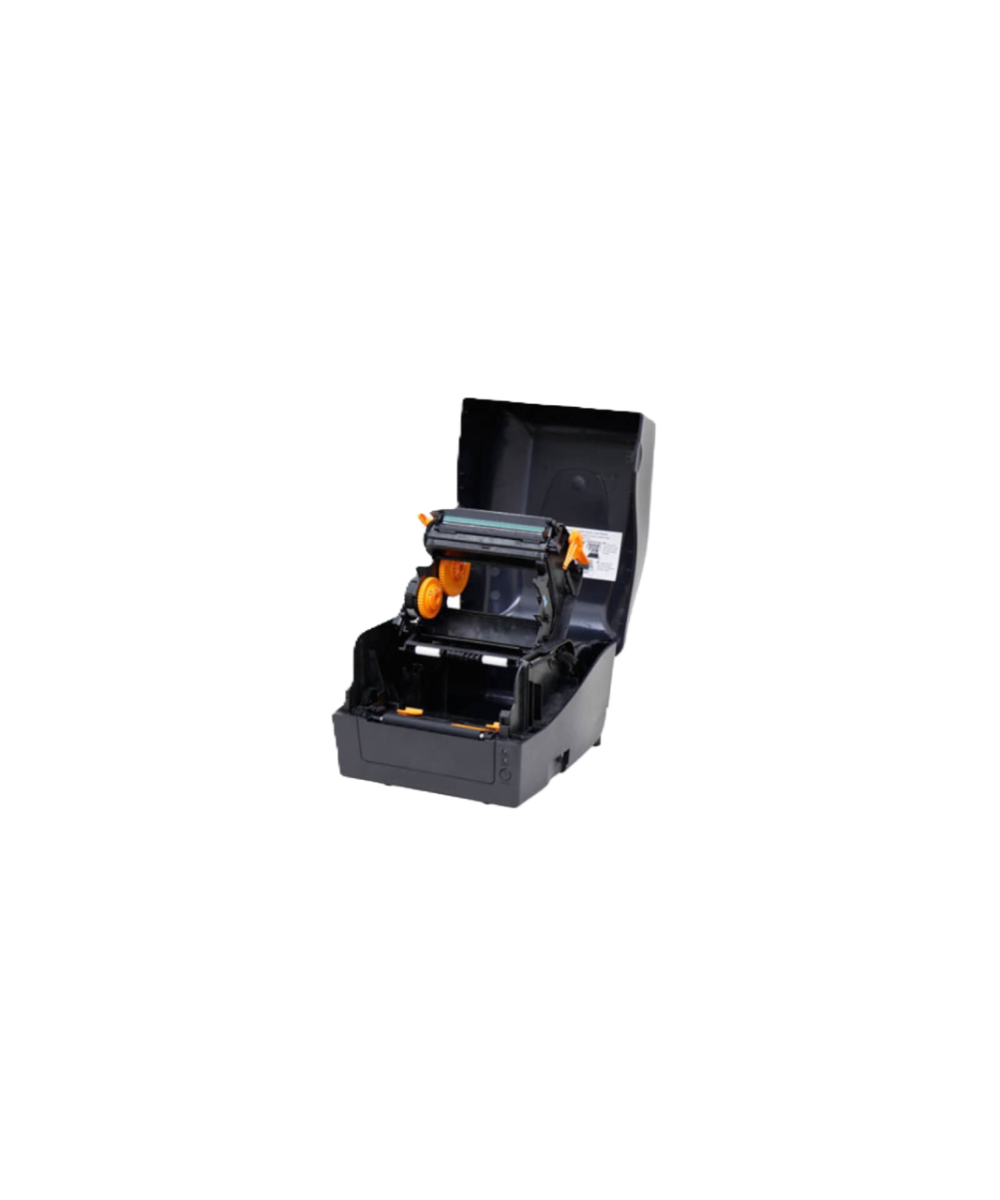
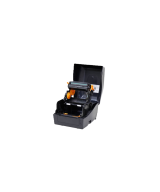
Compact, fast, and easy to run—the Argox CP-2140EX Pro prints crisp 4″ barcodes and shipping labels at up to 6 ips, with USB, Serial and Ethernet built in and generous memory for fonts and graphics. Ideal for busy South African retail, warehouse and e-commerce operations.

Only R200 anywhere in South Africa

Orders are typically dispatched within 24 hours if stock is available

Payments are facilitated byPayFast's secure payment gateway
The Argox CP-2140EX Pro is Argox’s next-generation desktop workhorse for dependable barcode and shipping label output. It supports both Direct Thermal (DT) and Thermal Transfer (TT) modes, delivering 203 dpi print quality at speeds up to 6 ips . With a max print width of 108 mm (4.25") and print lengths up to 2 540 mm (100") , it covers everything from courier labels to long compliance tags. Inside, 128 MB DRAM + 128 MB Flash boost processing and on-printer storage for logos, fonts, and templates, while the wide-open media path, one-touch feed , and smart, movable sensors keep daily operation simple and precise.
Key Features
Speed & Quality: 203 dpi at up to 6 ips ; 108 mm max width; up to 2 540 mm length.
DT & TT Printing: Swap between direct thermal and ribbon jobs as your media requires.
Big Memory: 128 MB DRAM + 128 MB Flash for fonts/graphics/templates.
Enterprise I/O: Rear-panel USB Device , USB Host , RS-232 , 10/100 Ethernet for rapid deployment.
Smart Sensors & Easy Loading: Movable reflective + transmissive sensors, spacious easy-load bay, and one-touch feed .
Space-Saving, Protected Ports: Rugged “Shell Suit” chassis with a roofed interface panel to resist spills and sit flush to walls.
Auto Emulation: ZPL/EPL/DPL language auto-detect for painless replacement of legacy printers; quick calibration modes.
Why Choose The Argox CP-2140EX Pro?
Built for dependable throughput on crowded counters and pack benches, the CP-2140EX Pro pairs a compact footprint with the performance and media flexibility teams rely on every day. Its 203 dpi engine outputs crisp barcodes and text at up to 6 ips , ensuring first-time scan success on shipping labels, product IDs, and compliance tags. Operators benefit from a wide, easy-load media path and one-touch feed that speed roll changes, while smart, movable sensors (gap/black-mark) maintain accurate positioning across diverse stocks.
Integration is straightforward in mixed fleets. Rear-panel USB Device , USB Host , RS-232 , and 10/100 Ethernet support both direct PC connections and shared queues. The rugged “Shell Suit” chassis features a clever roofed interface that shields ports from spills and allows flush-to-wall placement to save counter space. With auto language emulation ( ZPL/EPL/DPL ) and quick calibration modes, the CP-2140EX Pro drops into existing workflows with minimal setup, preserving label templates and accelerating rollouts.
On-printer resources are generous: 128 MB DRAM and 128 MB Flash store common fonts, logos, and forms to reduce host traffic and speed first-label-out. Whether you’re producing standard courier labels or long compliance strips up to 100" , the CP-2140EX Pro delivers consistent, scannable results shift after shift.
Suited Environments & Applications
Environment
Typical Uses
Retail & E-commerce
Shipping labels, returns, shelf & price labels
Warehousing & 3PL
Bin/rack IDs, carton and pallet labels
Manufacturing
Work-in-process tracking, product ID, compliance labels
Healthcare / Labs
Asset and specimen labels (with suitable media)
Technical Highlights
Print Methods
Direct Thermal (DT) / Thermal Transfer (TT)
Resolution
203 dpi
Max Print Speed
Up to 6 ips
Max Print Width
108 mm (4.25")
Max Print Length
2 540 mm (100")
Memory
128 MB DRAM + 128 MB Flash
Sensing
Movable reflective (black-mark) + transmissive (gap); quick calibration
Interfaces
USB Device, USB Host, RS-232, 10/100 Ethernet (rear panel)
Chassis
“Shell Suit” with roofed interface; spill-resistant, flush-to-wall placement
Language Emulations
Auto-detect: ZPL / EPL / DPL
Operator Aids
Wide easy-load bay; one-touch feed
Additional Information
Mode selection: Use DT for short-life courier labels; switch to TT for durable, long-term tags.
Throughput tips: Store common assets (fonts/logos/forms) in Flash to reduce host chatter and speed first-label-out.
Sensor setup: Position the reflective sensor for black-mark media; use gap sensing for die-cut labels.
Fleet migration: Enable ZPL/EPL/DPL auto-emulation to retain legacy templates during swap-outs.
Counter space: Take advantage of the roofed interface to place the unit close to walls and protect cabling.
Data sheet
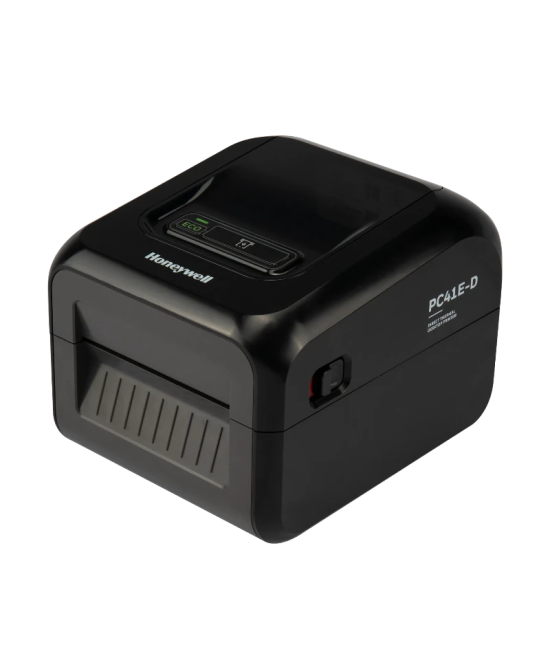
The Honeywell PC41E-D Direct Thermal Desktop Label Printer is a compact, reliable, and easy-to-use solution designed for businesses that require consistent, high-quality barcode and shipping label printing. Built for retail, logistics, warehousing, and healthcare environments, the PC41E-D offers fast printing speeds, simple media loading, and dependable performance in a space-saving desktop design. Ideal for printing shipping labels, product labels, barcode labels, and receipt labels, the PC41E-D helps streamline operations while maintaining professional print quality.
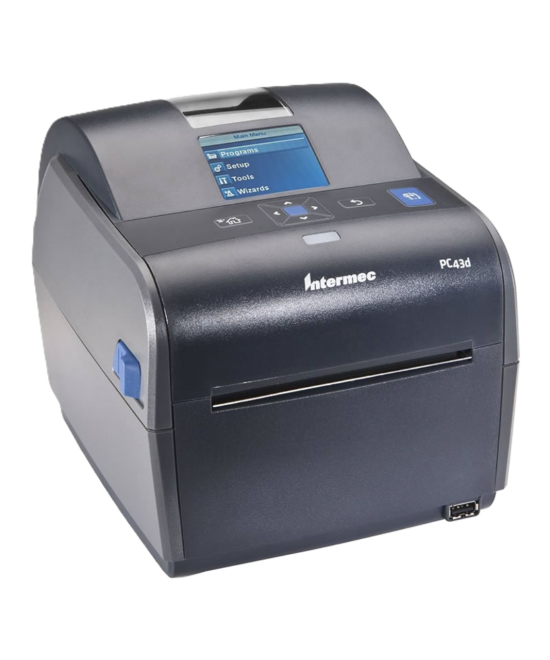
The Honeywell PC43 Direct Thermal Label Printer is a compact and user-friendly 4-inch desktop printer designed for businesses that require efficient and reliable label printing. Perfect for space-constrained environments, the PC43 offers quick and easy label printing without the need for a ribbon, making it a cost-effective solution for various labeling needs. *Backorders on Labels and Tags are usually fulfilled within 7–10 business days.
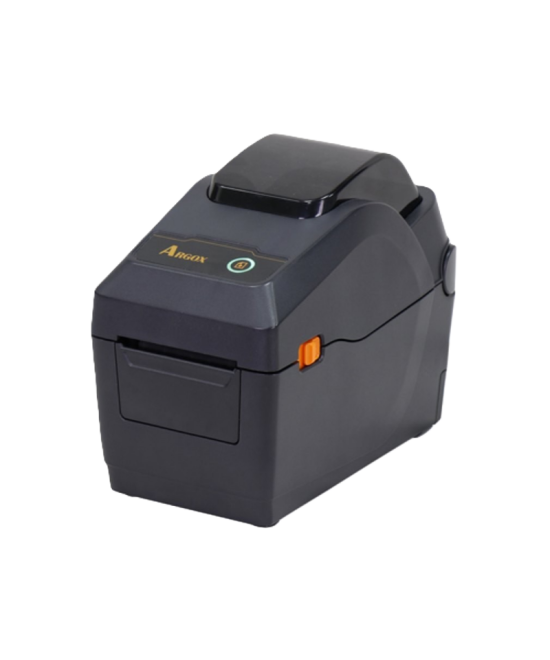
Small footprint, big productivity. The Argox D2-250 Pro is a compact 2-inch direct-thermal desktop printer that hits 7 ips while delivering crisp 203 dpi labels—perfect for shelf tags, barcodes, wristbands and small shipping stickers in retail, healthcare and e-commerce.
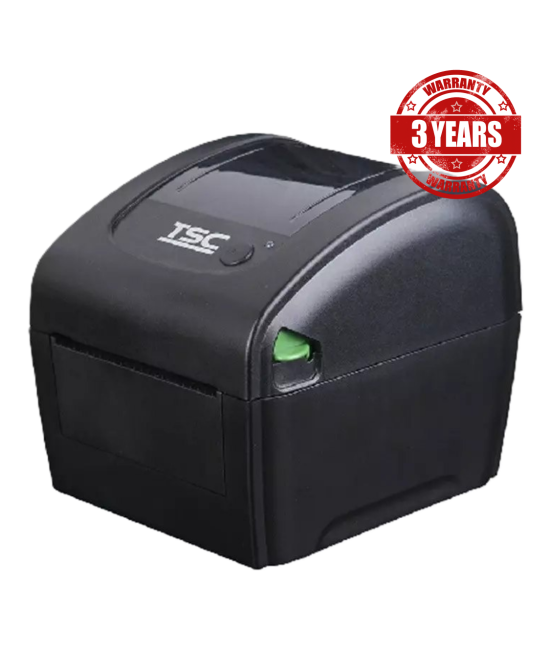
The TSC DA220 Desktop Direct Thermal Barcode Printer is a high-speed, compact 4-inch printer designed for businesses that need reliable, high-quality label printing without the complexity of ribbons. Ideal for short-term labeling applications, the DA220 is perfect for use in retail, logistics, healthcare, and more. 3-Year Standard Carry-in Warranty. *Backorders are usually fulfilled within 6 – 8 Weeks.
Compact and fast, the Argox D4-250 Pro is a 4-inch direct-thermal barcode/label printer that hits 6 ips with enterprise I/O (USB, RS-232, Ethernet) and optional Wi-Fi/Bluetooth—ideal for retail, e-commerce, healthcare and warehouse benches across South Africa.
The Argox OS-214D Pro is a compact, fast 4-inch direct-thermal label printer built for everyday shipping, barcode and product labels—ideal for retail counters, e-commerce packing benches and offices across South Africa.
Compact, fast, and easy to run—the Argox CP-2140EX Pro prints crisp 4″ barcodes and shipping labels at up to 6 ips, with USB, Serial and Ethernet built in and generous memory for fonts and graphics. Ideal for busy South African retail, warehouse and e-commerce operations.