


- New
- Out of Stock
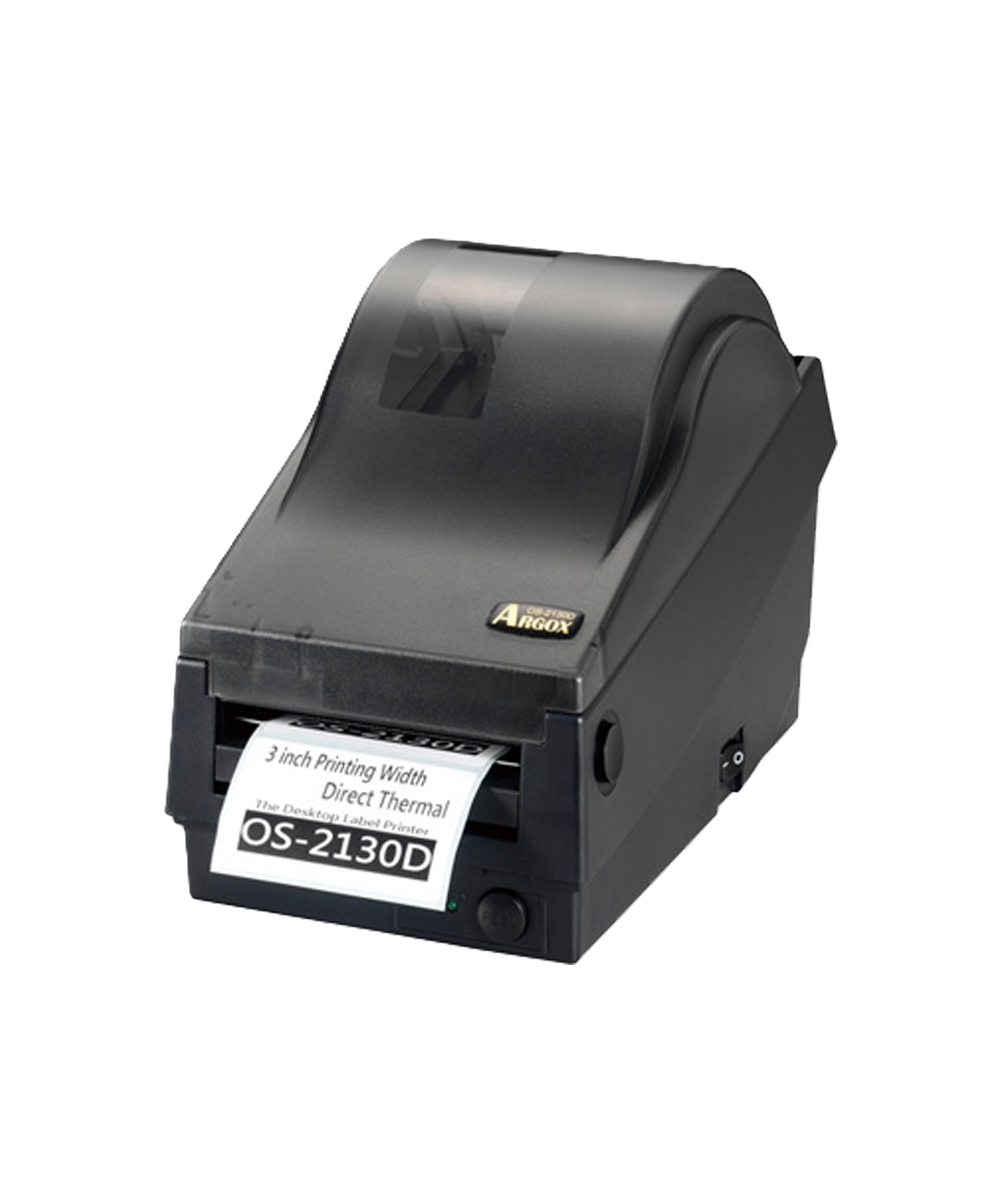
The Argox OS-2130D is a compact, reliable desktop label printer designed for everyday barcode and shipping tasks. With direct-thermal convenience (no ribbon required), quick media loading, and a small footprint, it’s perfect for retail counters, office admin, e-commerce packing benches, and light warehouse use. Multi-interface connectivity and driver support help it drop seamlessly into mixed IT environments. Effortlessly streamline your barcode printing with the Argox OS-2130D Desktop Barcode Printer. This compact and efficient printer is perfect for low- to medium-volume printing needs in various applications. *Backorders are usually fulfilled within 6 – 8 Weeks.

Only R200 anywhere in South Africa

Orders are typically dispatched within 24 hours if stock is available

Payments are facilitated byPayFast's secure payment gateway
Key Features
Direct-Thermal printing: Simple, ribbon-free operation for fast day-to-day labels.
Compact desktop footprint: Saves counter space while handling common label formats.
Easy media loading: Intuitive path for quick roll changes and reduced downtime.
Consistent, scannable output: Tuned for clear barcodes and crisp text.
Connectivity options: Standard interfaces for straightforward integration (see Technical Highlights).
Driver & utility support: Works with popular labeling software and OS drivers.
Why Choose The Argox OS-2130D?
Built for simplicity and reliability, the Argox OS-2130D streamlines everyday printing—shipping labels, price stickers, bin IDs, and file tags. The direct-thermal engine produces clear barcodes without ribbons, reducing consumables and maintenance. Operators can swap media in seconds thanks to the straightforward loading path and automatic sensing for common label types. With broad interface compatibility and mature drivers, deployment is quick whether you’re connecting a single workstation or standardising across multiple desks.
Suited Environments & Applications
Environment
Typical Uses
Retail & POS
Price tags, shelf labels, promotion stickers
E-commerce & Office
Shipping labels, returns, file/folder tags
Light Warehousing
Bin/location IDs, receiving labels
Healthcare/Labs*
General asset/sample IDs (with suitable media)
Technical Highlights
Print Method
Direct Thermal (ribbon-free)
Resolution
[203 dpi or as specified]
Max Print Speed
[Up to X ips]
Max Print Width
[Up to X mm / X"]
Max Print Length
[Up to X mm / X"]
Media Types
Direct-thermal labels: die-cut or continuous
Sensing
[Gap / black-mark (as applicable)]
Interfaces
[USB] [RS-232] [Ethernet] (confirm exact mix)
Memory
[DRAM/Flash capacities, if applicable]
Drivers/Software
Windows/macOS/Linux drivers; works with popular label tools
Additional Information
Media choice: Pick DT label stocks matched to your handling and shelf-life needs.
Throughput tips: Use shorter labels and batch print to maximise speed on busy benches.
Label templates: Standardise formats in your labeling software for consistent scans.
Maintenance: Wipe the printhead and platen regularly to maintain clarity and extend life.
Data sheet
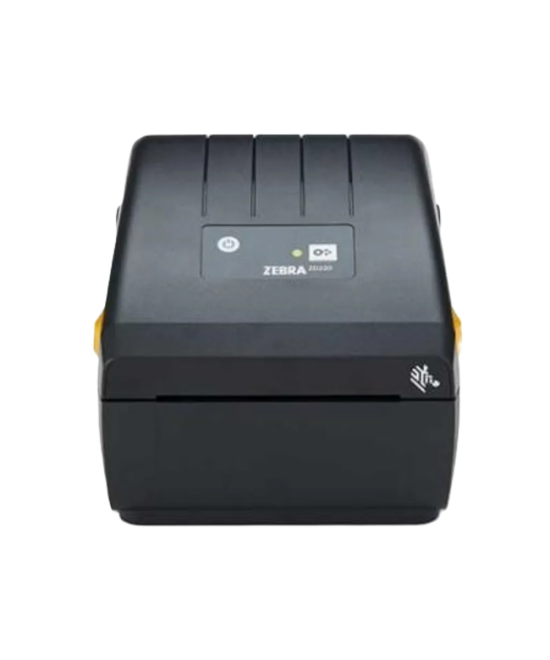
The Zebra ZD230 Direct Thermal Printer offers a dependable and cost-effective solution for straightforward label printing. Ideal for small to medium businesses, this 4-inch desktop printer delivers clear, high-quality labels quickly with easy USB and Ethernet connectivity. Includes EU and UK power cords.
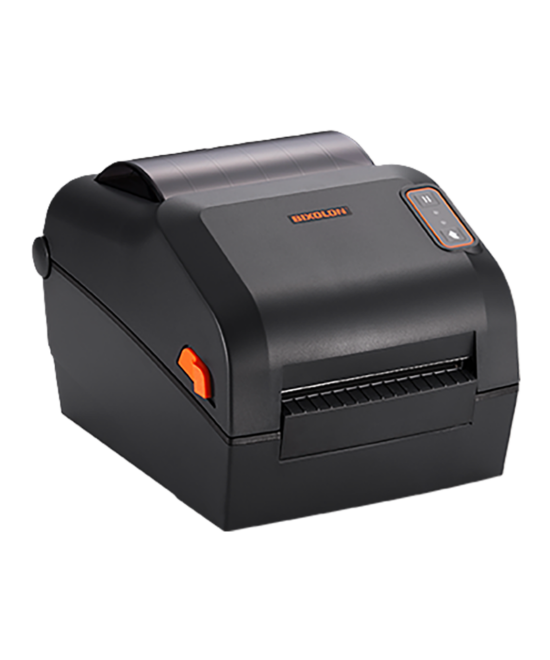
The BIXOLON XD5 4 Inch Direct Thermal Printer offers reliable, high-speed label and barcode printing with excellent performance, making it ideal for businesses in retail, warehousing, logistics, and healthcare. *Backorders are usually fulfilled within 6 – 8 Weeks.
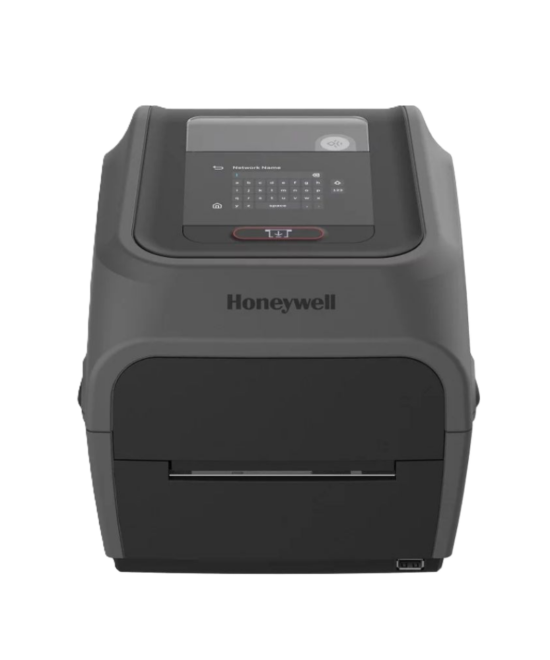
The Honeywell PC43T Desktop Thermal Transfer Printer is a versatile and compact 4-inch printer designed to meet the needs of retail, logistics, and small to medium-sized businesses. Known for its easy setup, user-friendly interface, and reliable performance, the PC43T is ideal for businesses requiring high-quality, durable label printing. *Backorders are usually fulfilled within 6 – 8 Weeks.
Built upon the success and innovation of the proven E-class and PC43 series printers, the Honeywell PC45T offers seamless connectivity, exceptional performance, and reliability. It features a large touch screen, enterprise-grade durability, and various new design accessories to meet diverse business needs. Designed for organizations seeking durable, stable, and secure solutions, the PC45 is the ideal platform for implementing business-critical systems. *Backorders are usually fulfilled within 6 – 8 Weeks.
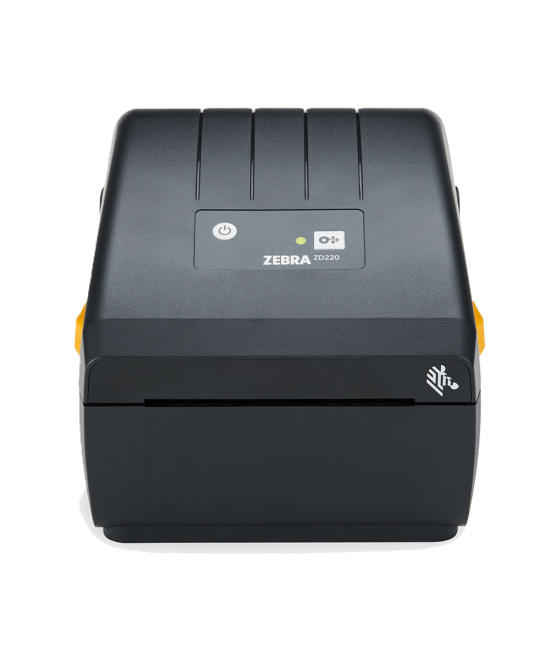
The Zebra ZD220 Direct Thermal Label Printer offers reliable, cost-effective printing solutions for basic labeling needs. Designed for small to medium-sized businesses, this 4-inch desktop printer is perfect for applications that require simplicity and ease of use, ensuring your operations run smoothly. *Backorders are usually fulfilled within 6 – 8 Weeks.
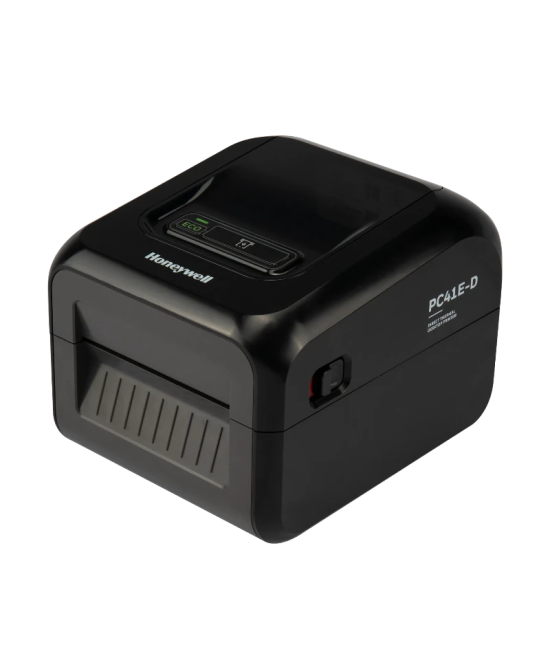
The Honeywell PC41E-D Direct Thermal Desktop Label Printer is a compact, reliable, and easy-to-use solution designed for businesses that require consistent, high-quality barcode and shipping label printing. Built for retail, logistics, warehousing, and healthcare environments, the PC41E-D offers fast printing speeds, simple media loading, and dependable performance in a space-saving desktop design. Ideal for printing shipping labels, product labels, barcode labels, and receipt labels, the PC41E-D helps streamline operations while maintaining professional print quality.
The Argox OS-2130D is a compact, reliable desktop label printer designed for everyday barcode and shipping tasks. With direct-thermal convenience (no ribbon required), quick media loading, and a small footprint, it’s perfect for retail counters, office admin, e-commerce packing benches, and light warehouse use. Multi-interface connectivity and driver support help it drop seamlessly into mixed IT environments. Effortlessly streamline your barcode printing with the Argox OS-2130D Desktop Barcode Printer. This compact and efficient printer is perfect for low- to medium-volume printing needs in various applications. *Backorders are usually fulfilled within 6 – 8 Weeks.